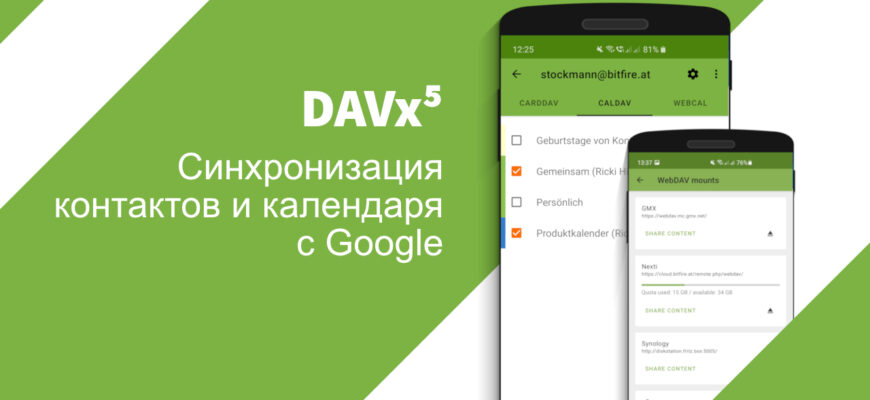


As of March 2023, you can sync
- Google account calendars (via CalDAV)
- and Google account contacts (via CardDAV)
using DAVx⁵.
This kind of sync is useful when Google services are completely unavailable on the phone.
Syncing with Google accounts is not officially supported by DAVx⁵ or by Google. In the past there were occasional server errors, and setup was not always easy (especially if you need multiple calendars).
Task functionality over CalDAV is not provided by Google services.
Prepare your Google account
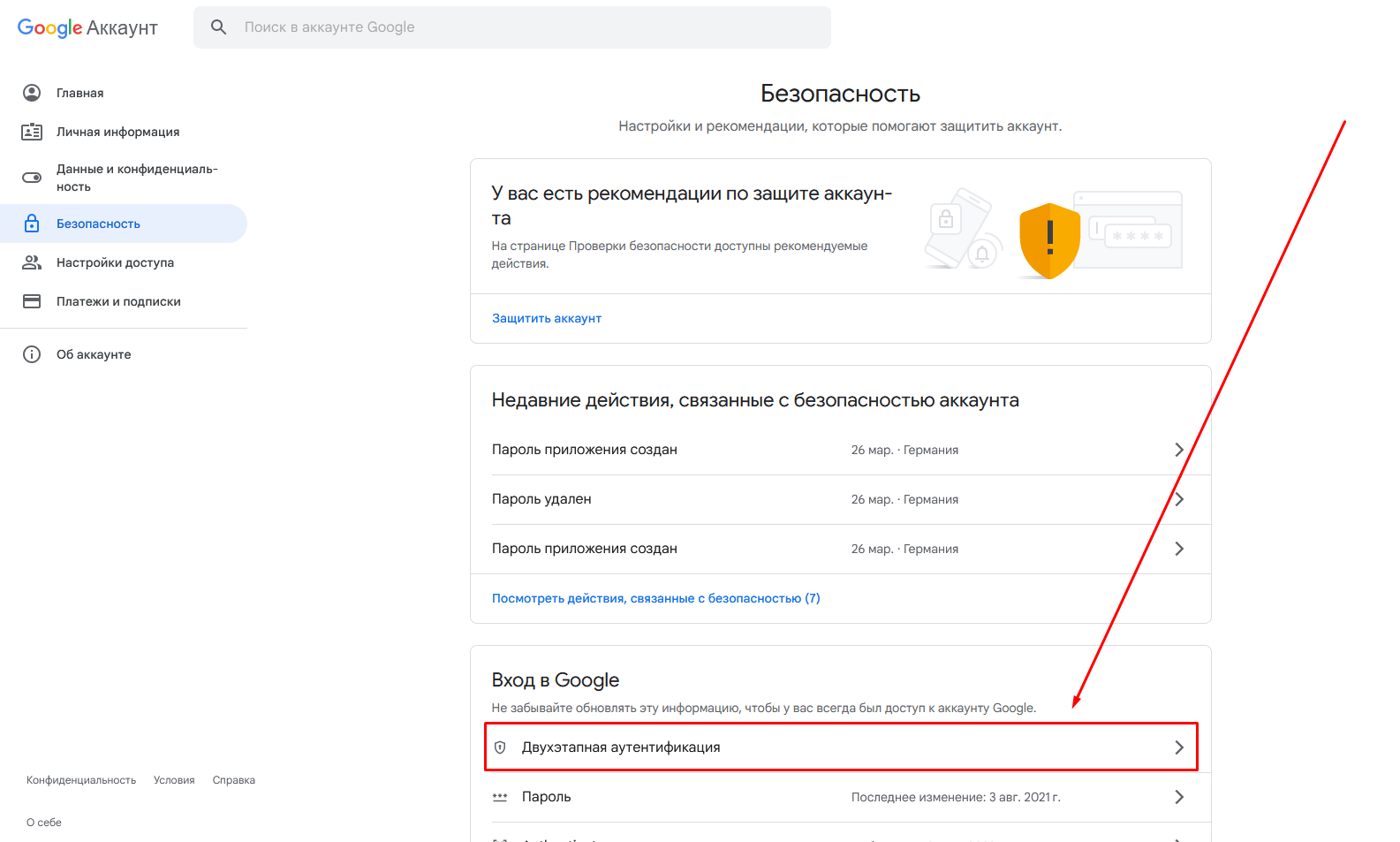
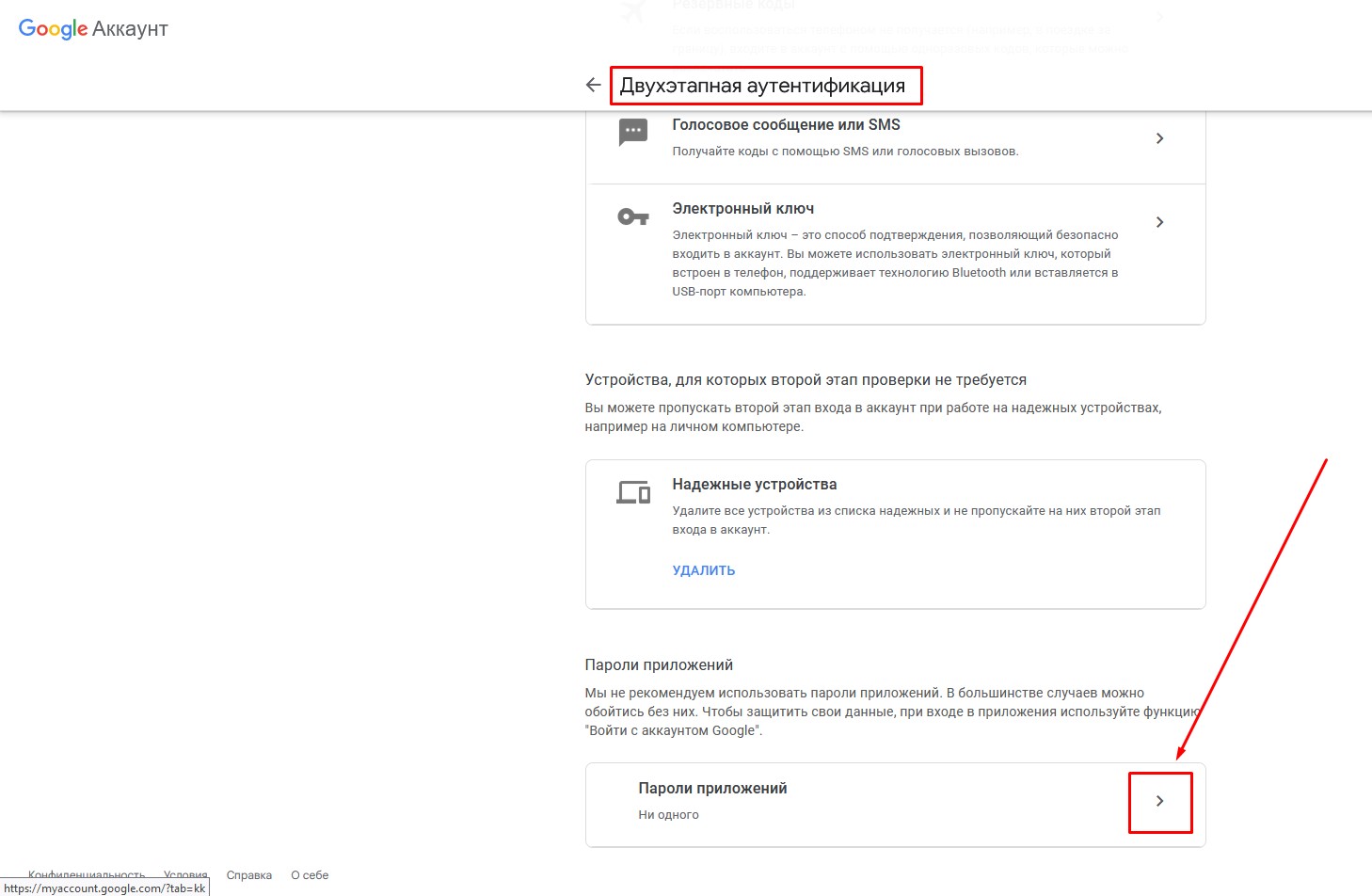
Before you can sign in with DAVx⁵, prepare your Google account:
- Enable 2-Step Verification for your Google account.
- Then create an app password for DAVx⁵ and use it when configuring DAVx⁵.
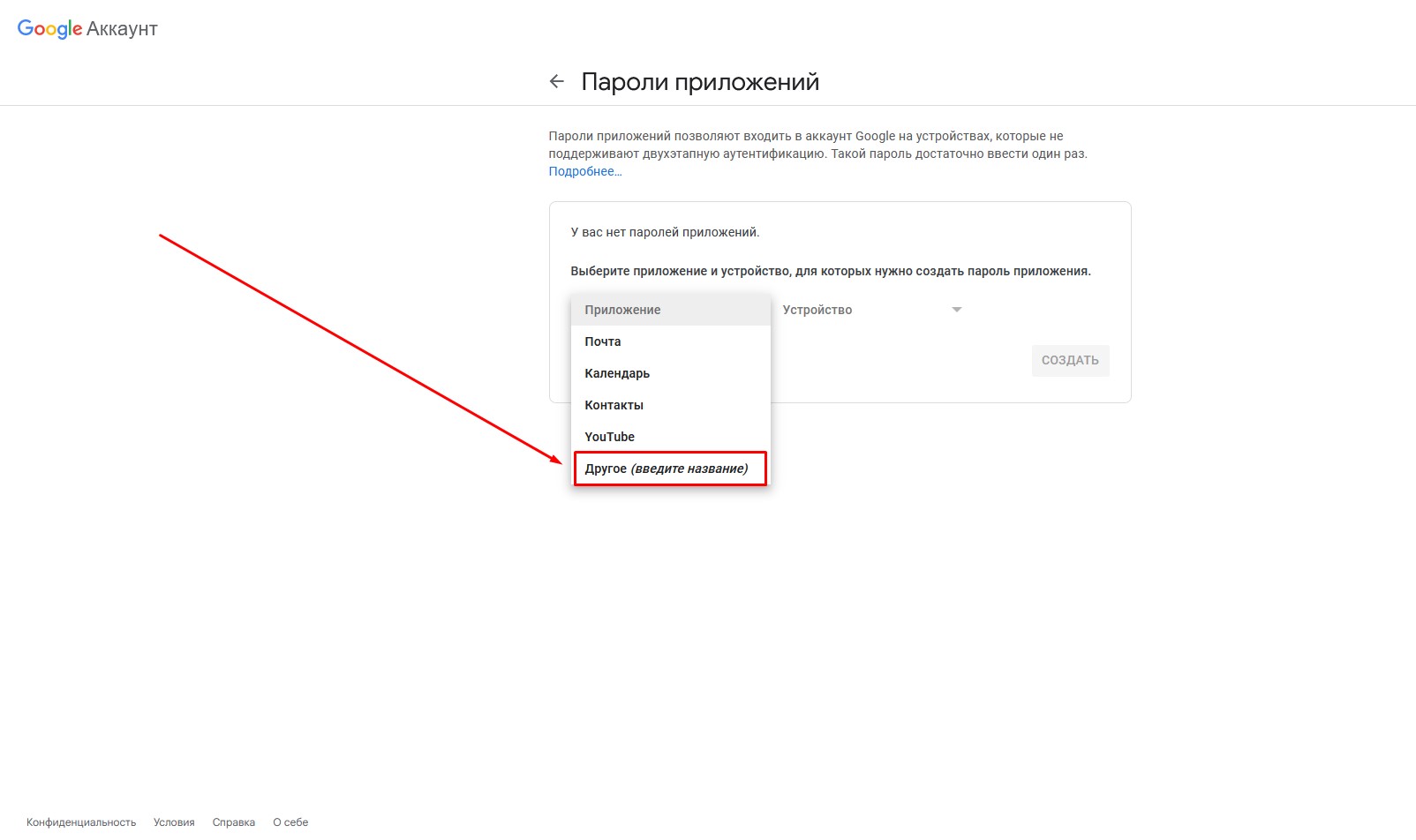
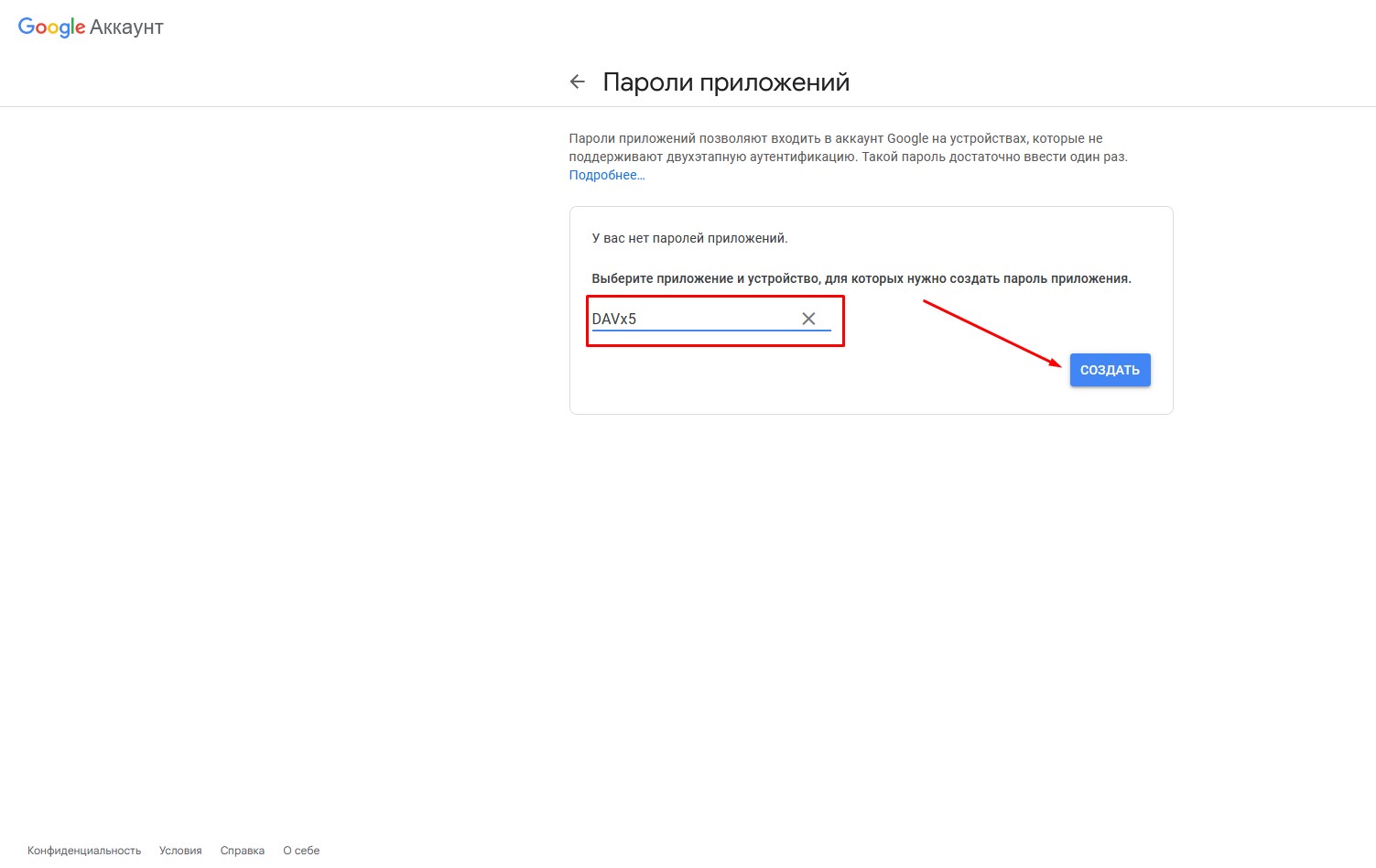
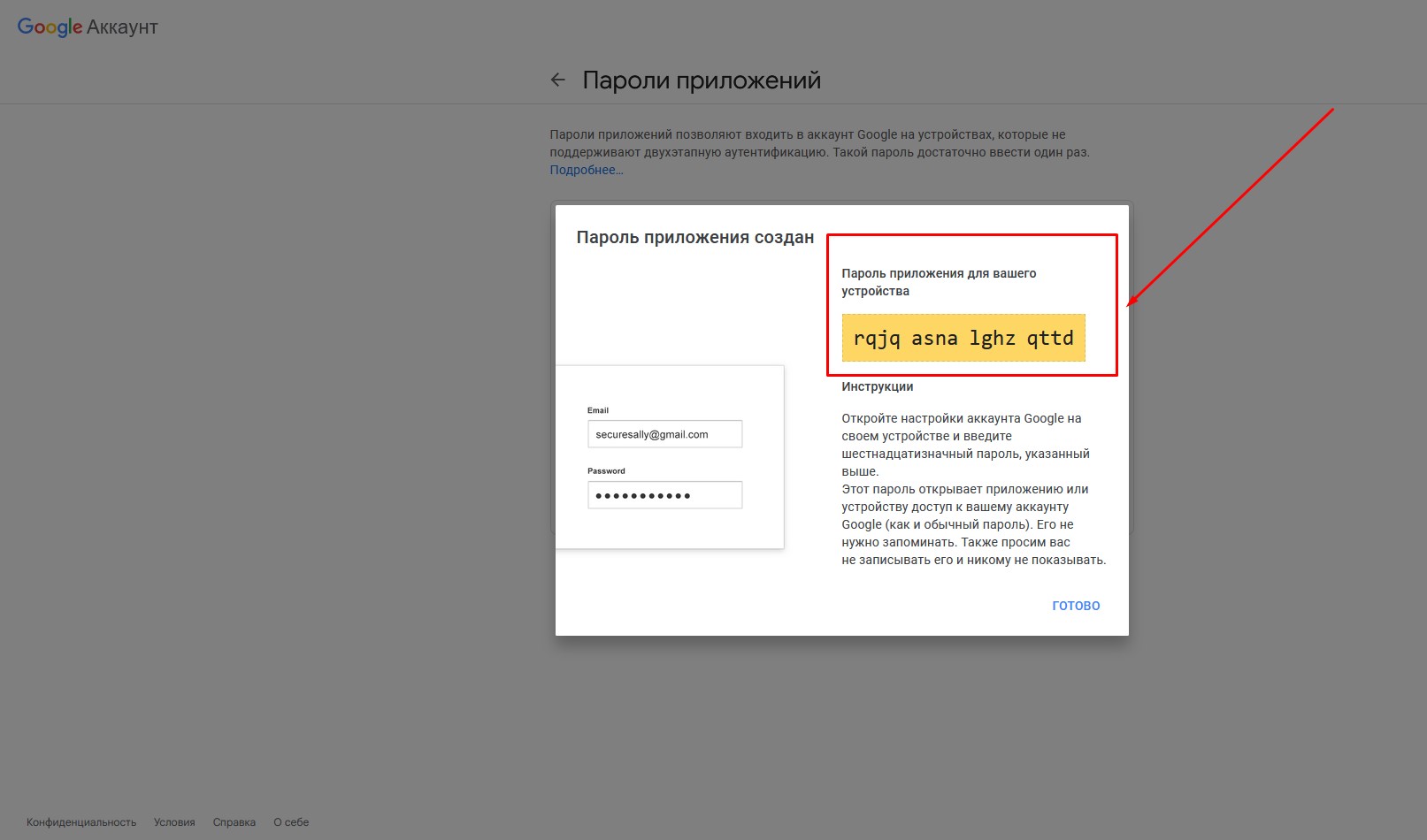
Configure DAVx⁵
1. Download and install DAVx⁵ from F-Droid (on F-Droid all apps are free and open source — you can safely update everything from there).
You can also buy DAVx⁵ on the Google Play Store — it is the same app as the free F-Droid build.
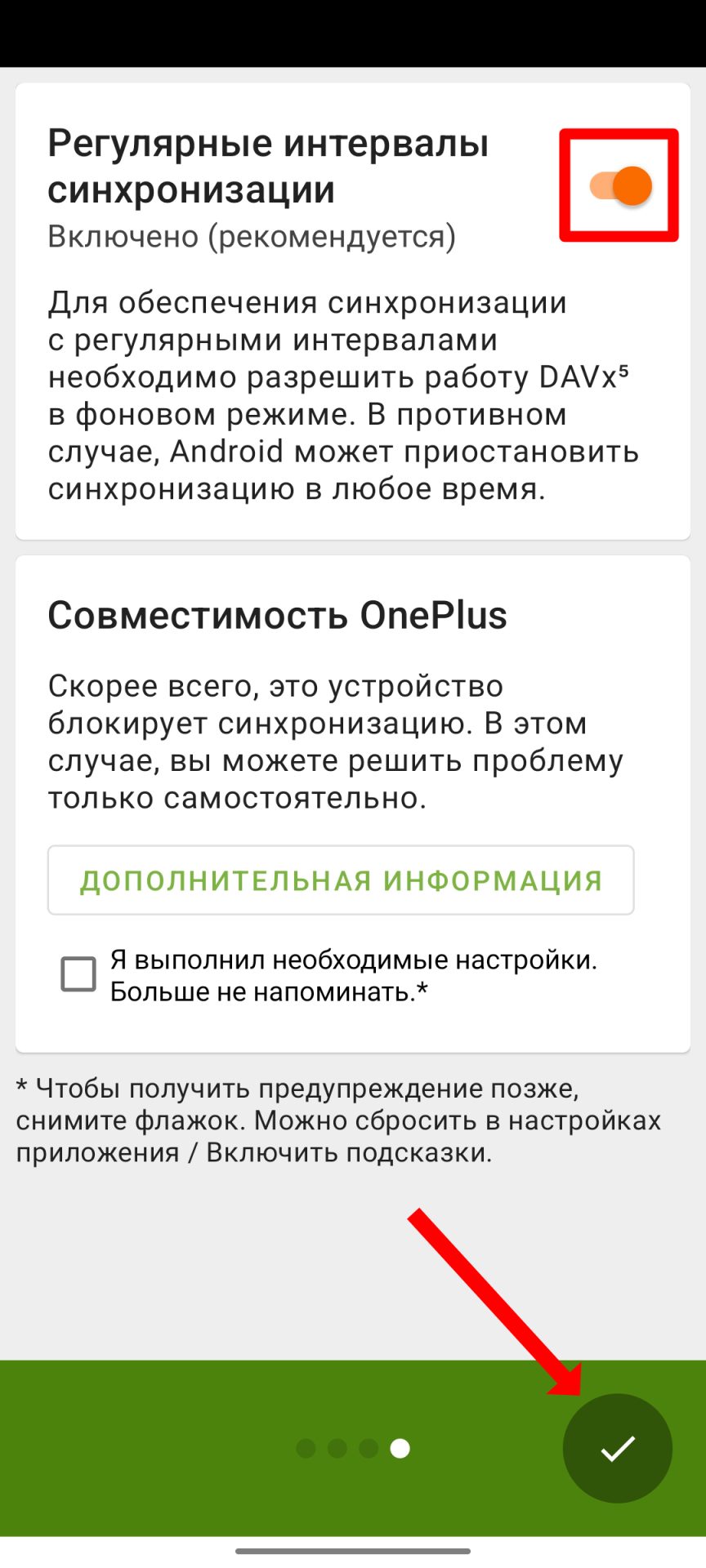
2. Open the app and grant it all the permissions it asks for
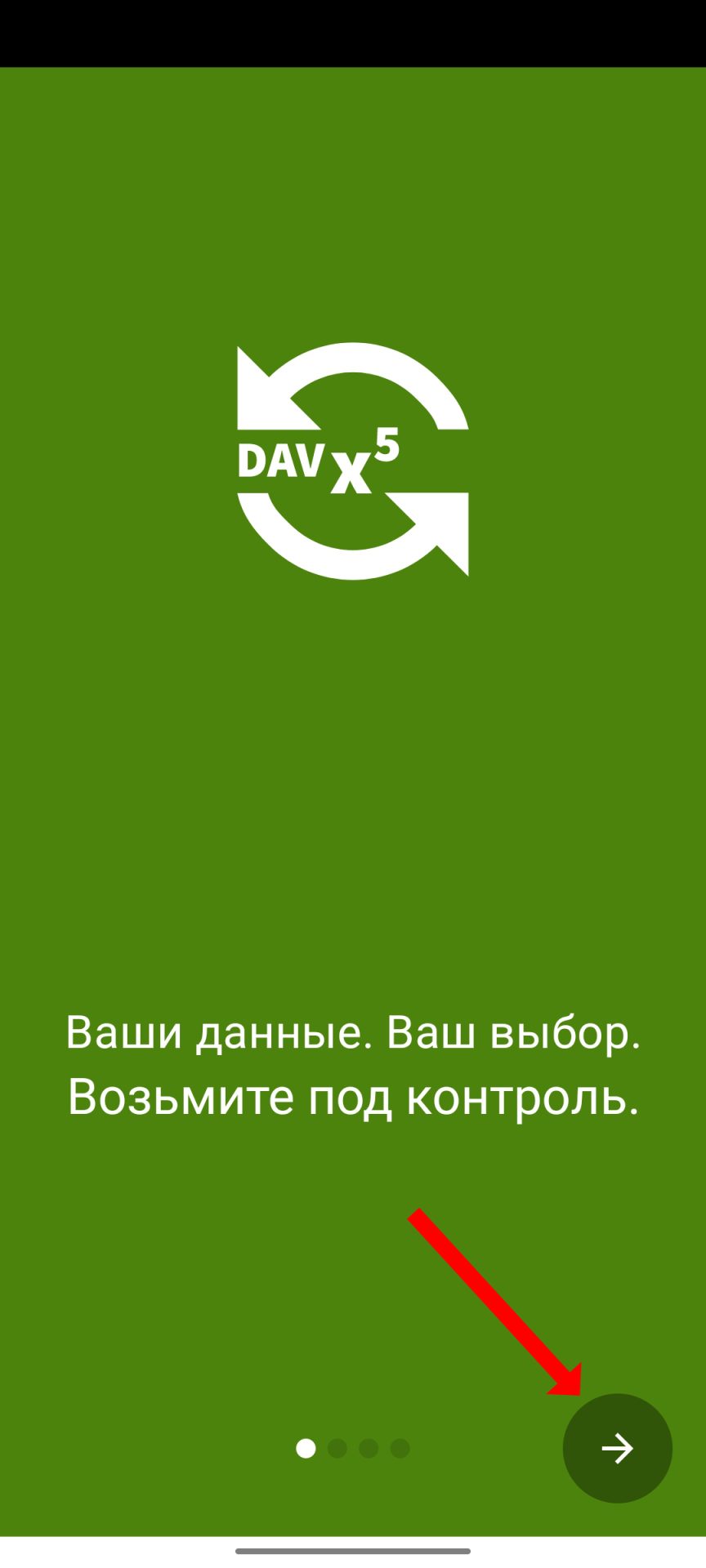
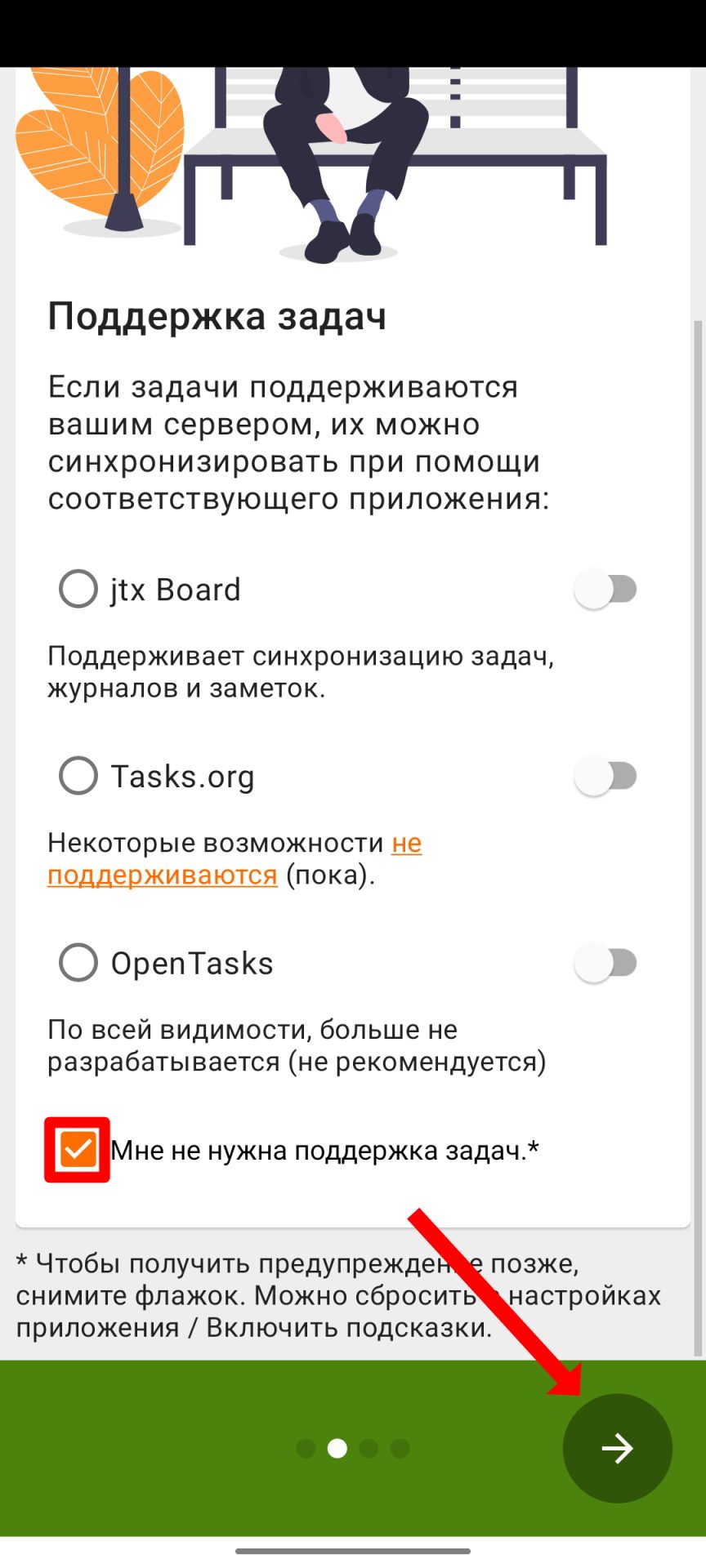
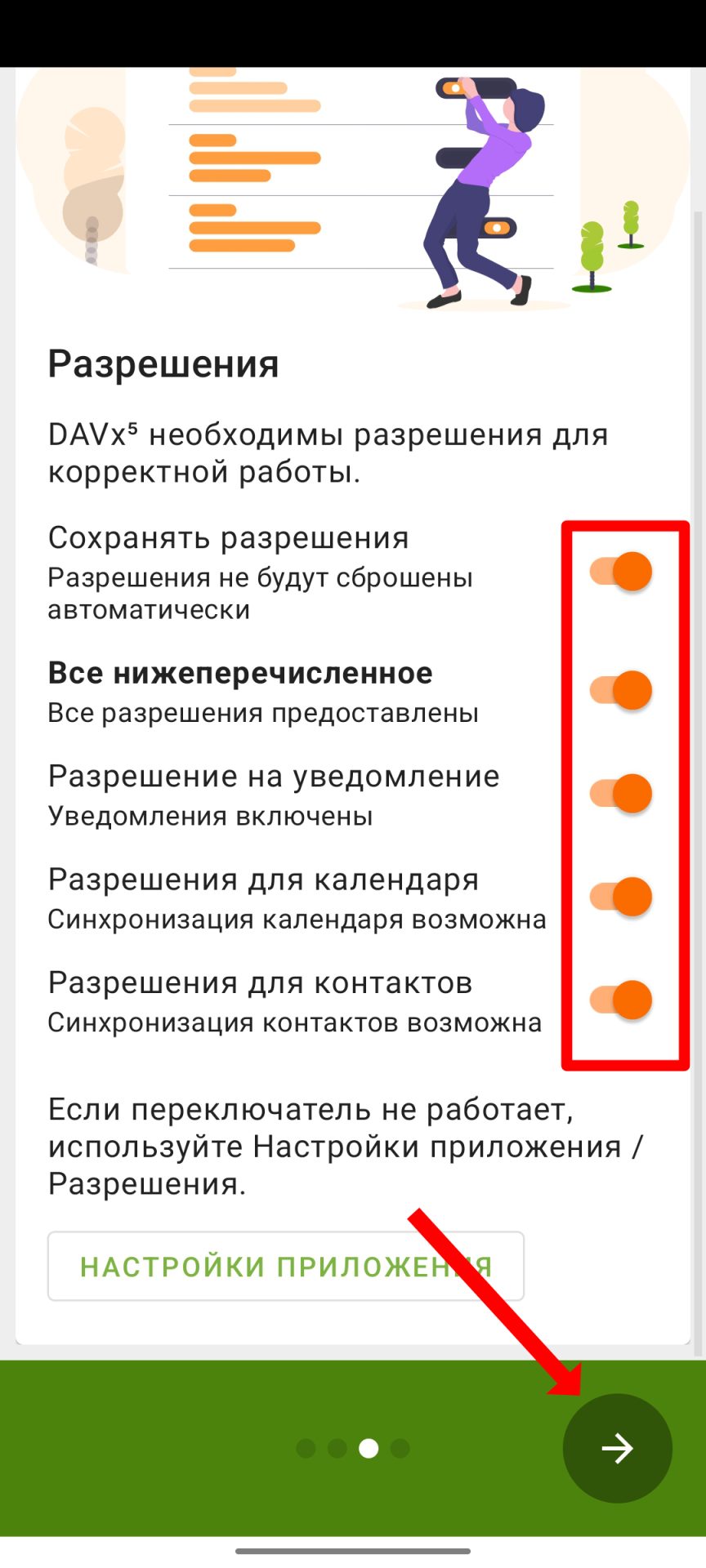
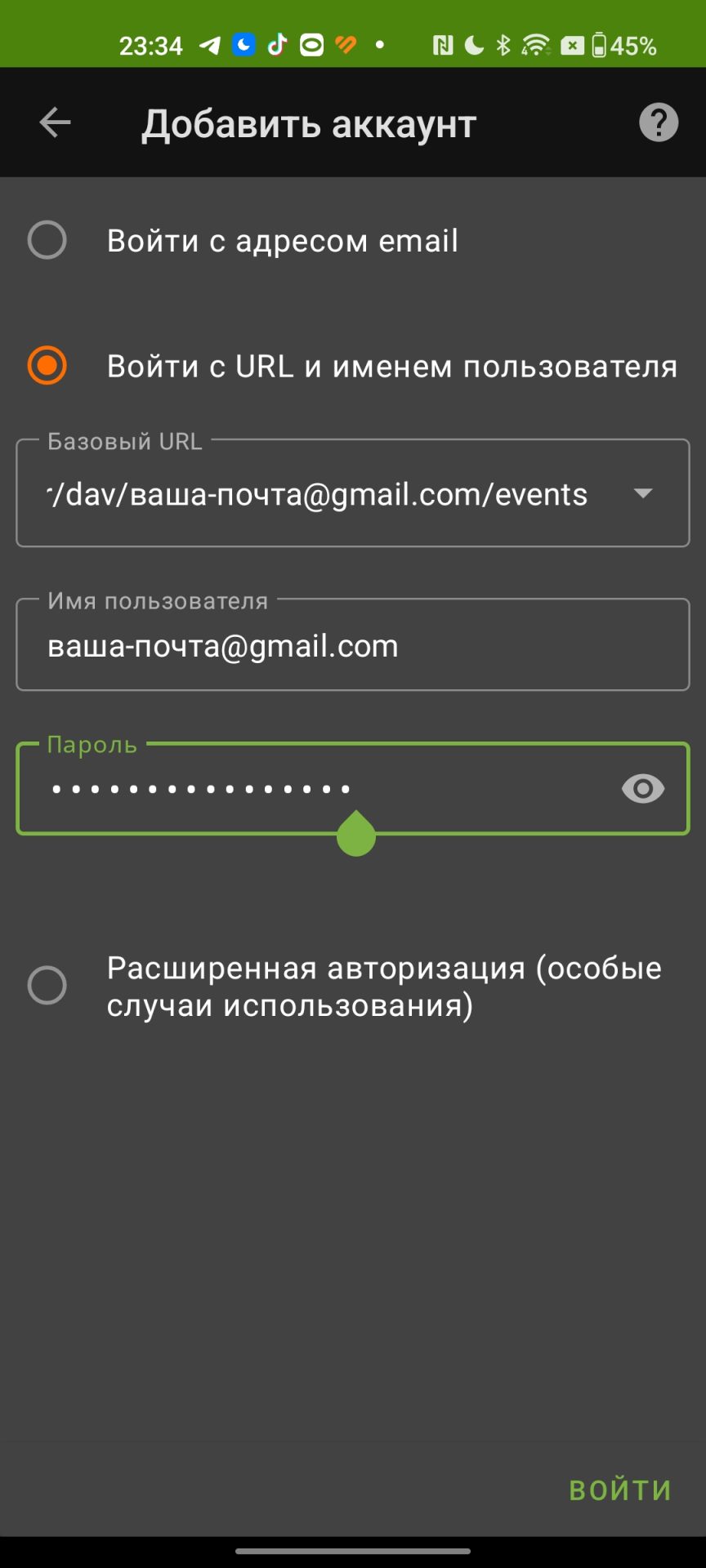
3. Add your Google account in DAVx⁵ by tapping “+”. Fill in the fields for “Login with URL and user name”:
- Base URL: https://www.google.com/calendar/dav/you@gmail.com/events
- User name: you@gmail.com
- Password: the app password you created earlier. If you did not save it, create a new app password.
Replace you@gmail.com with the email address you use to sign in to Google.
This URL lets you add:
- the primary Google account calendar,
- the Google account address book.
After entering the login details, enable the toggles on the CARDDAV and CALDAV tabs, then tap the sync button.
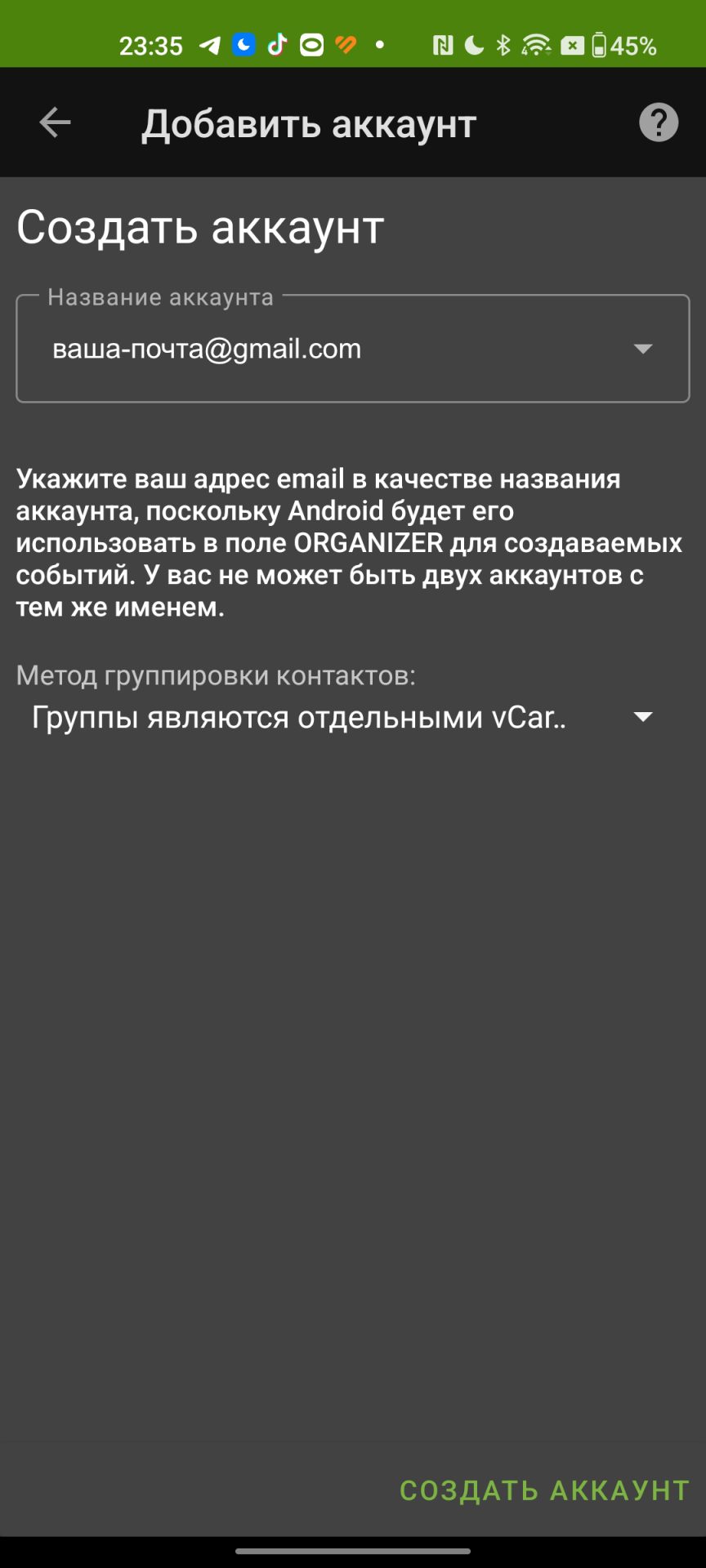
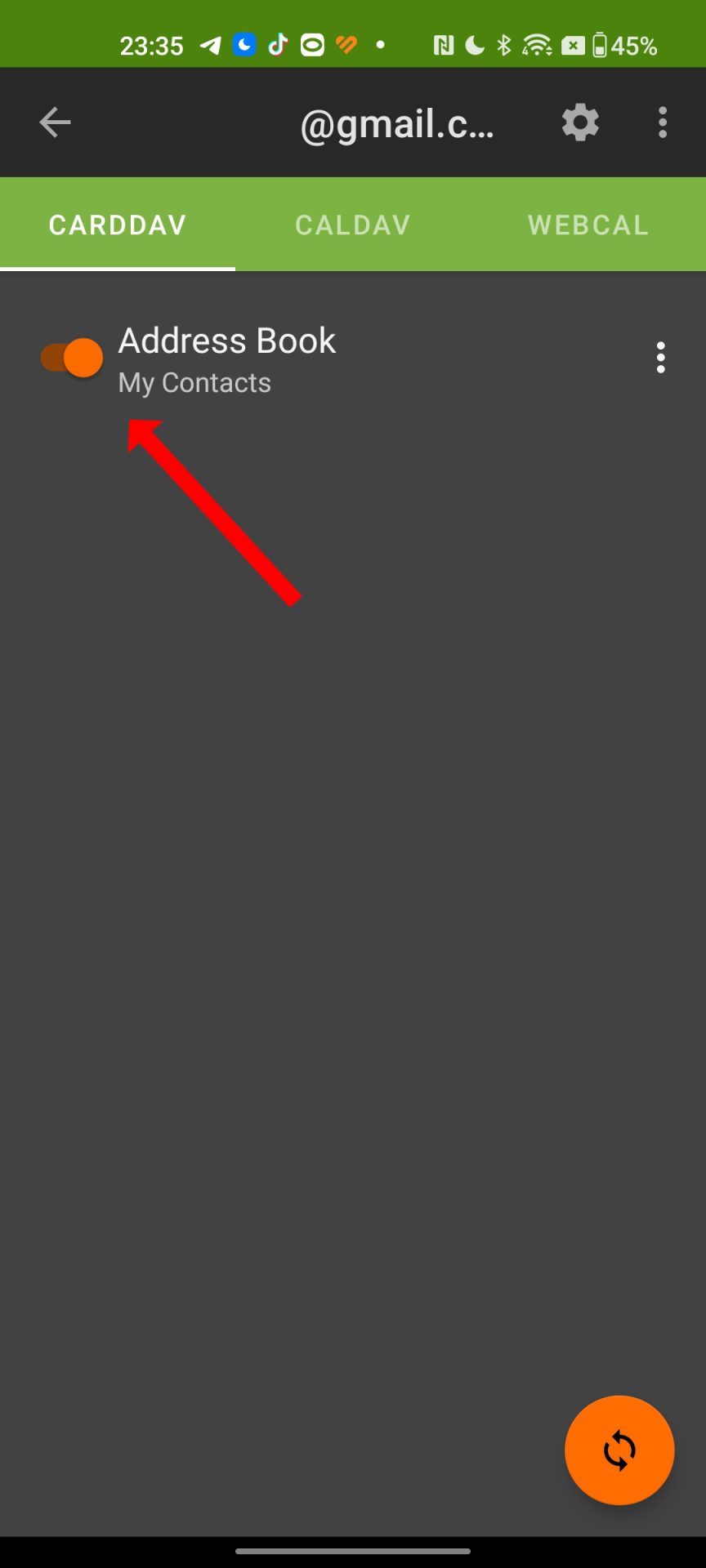
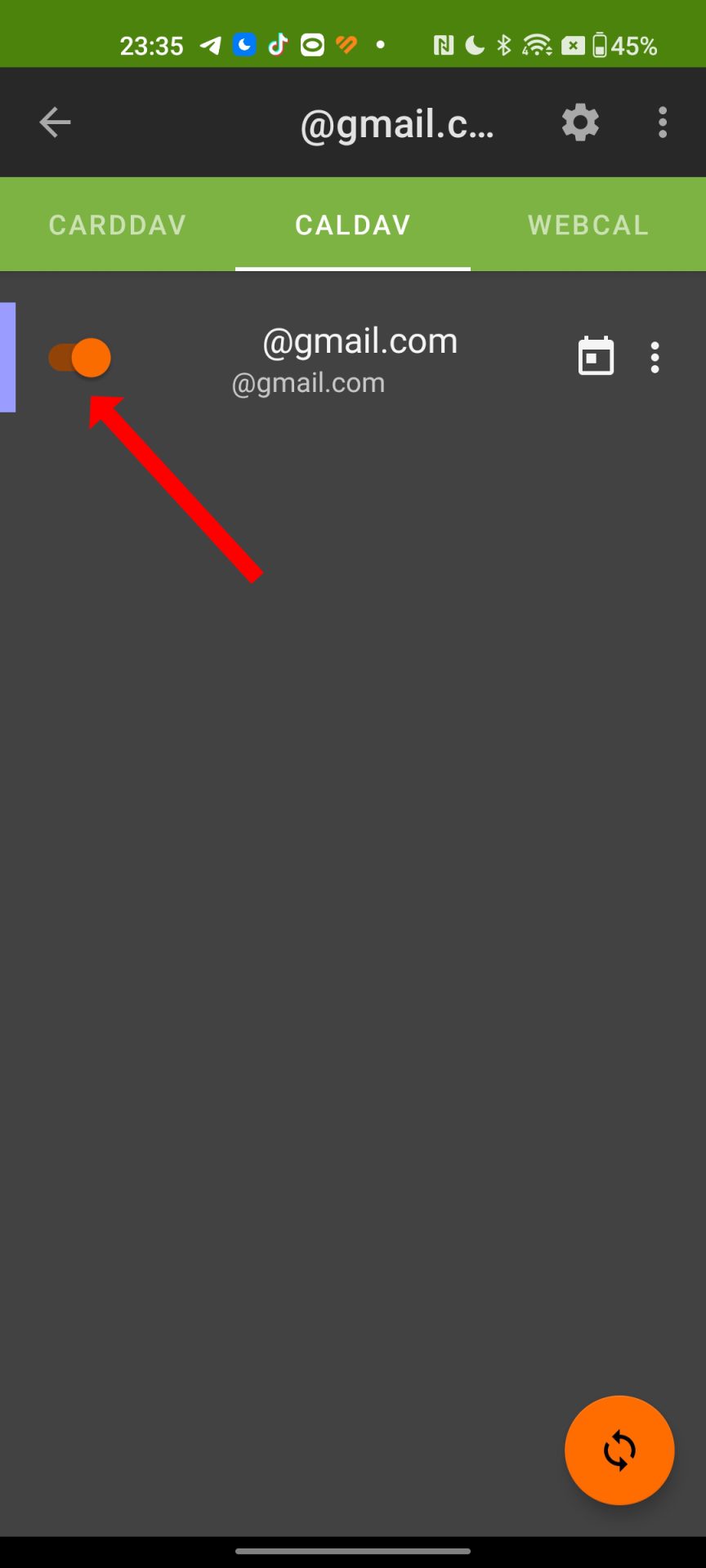

Google contacts should now appear in the Contacts app on your phone.
Notes
If the app misbehaves, grant it all permissions and exclude DAVx⁵ from battery optimization.
If you need a calendar other than the primary one:
- open that calendar’s settings in the Google web UI and find the calendar ID (something like d4jg8dj5ng8ek5jdhrn4udje8@group.calendar.google.com),
- create a separate DAVx⁵ account with this base URL: https://www.google.com/calendar/dav/<calendar-id>/events (replace <calendar-id> with your calendar ID)
If the address book is not discovered with the primary base URL above, try: https://www.googleapis.com/carddav/v1/principals/you@gmail.com/lists/default
No email, no trackers — just the update feed.
Russian feed
https://en.kiberlis.ru/feed/